Afterburner
MSI Afterburner is the world’s most recognized and widely used graphics card overclocking utility which gives you full control of your graphics cards. It also provides an incredibly detailed overview of your hardware and comes with some additional features such as customizing fan profiles, benchmarking and video recording.

Zero Frozr-Stay undetected
First introduced in 2008 by MSI, ZeroFrozr technology has made its mark and is now the industry standard among graphics cards. It eliminates fan noise by stopping the fans in low-load situations. This means you can focus on gaming without the noise of spinning fans.

FANS SPINNING
During intense gaming or benchmarking

FANS STOP
Completely silent during idle, multimedia or light gaming

“If your TORX 2.0 fans stop, it’s time to push your gaming rig harder!”
Gaming App
The MSI Gaming App allows for one-click performance profiles that unlock extra performance for gaming or keep your card silent during light use. It also features the EyeRest tab, giving you easy access to image quality improving technology.

OC Mode
Maximum Performance through higher clock speeds and increased fan performance
Gaming Mode
The best balance between in-game performance and silence
Silent Mode
The best environment for minimal fan noise

One Click to VR
with GAMING APP
To get the best VR experience, you need your PC to deliver maximum performance. The MSI Gaming App gets your PC primed for VR use in just a single click by setting all key components to high performance settings and making sure other software applications do not impact your VR adventure.


TORX 2.0 FAN
Teamwork for greater strength
Just like in games, the exclusive MSI TORX 2.0 Fan technology uses the power of teamwork to allow the TWIN FROZR VI to achieve new levels of cool.
TORX 2.0 Fan design generates 22% more air pressure for supremely silent performance in the heat of battle.

Dispersion Fan Blade
has a steeper curved blade which accelerates the airflow, increasing its effectiveness.

Traditional Fan Blade
pushes down a steady airflow to the massive heatsink below.
WTFast is the Gamers Private Network ; like a global automated army of IT specialists all working together to optimize your game connection from end to end. WTFast reports rich connection stats for your online game, so you can see exactly what is happening with your game connection.
- Built just for MMO gamers
- Reduce average ping
- Greatly reduce connection flux, spikes and packet loss
- MSI Exclusive 2-month premium license

A DIFFERENT VIEW ON GAMING
MSI Dragon Eye allows you to watch a YouTube video or Twitch Stream while playing a game simultaneously. Simply add a link or stream to the Dragon Eye application and select the size, position, volume and transparency and start gaming. With a few hotkeys you can start/pause your video or set the volume.
HEATSINK
Lurking under the cover of the GAMING graphics card is an engineering masterpiece designed to keep the graphics card cool. Every tiny detail of the intricate heatsink plays an essential part in providing a cool & quiet gaming experience.
Airflow Control Technology
Using advanced aerodynamics, Airflow Control Technology directs more air directly onto the TWIN FROZR VI heat pipes. The special deflectors on the heat sink enlarge the surface area, which means lower temperatures and better gaming.

The Future of Gaming

The smoothest, fastest and most exciting gaming experience ever by eliminating screen tearing, display shutter and input lag.


Ultra-high resolution (UHD) delivers 4x the resolution of 1080p content, enabling much sharper and crisper images with delicate details during gaming.


Catch the Vibe with Cool LED Effects
Each LED can be controlled individually by choosing any of the animation effects availiable in the MSI Gaming App, ranging from responding to your game sounds or music to steady light, breathing and flashing. Of course, you can also turn them off.


 Hi-C CAPs
 Super Ferrite Chokes
 Japanese Solid Caps


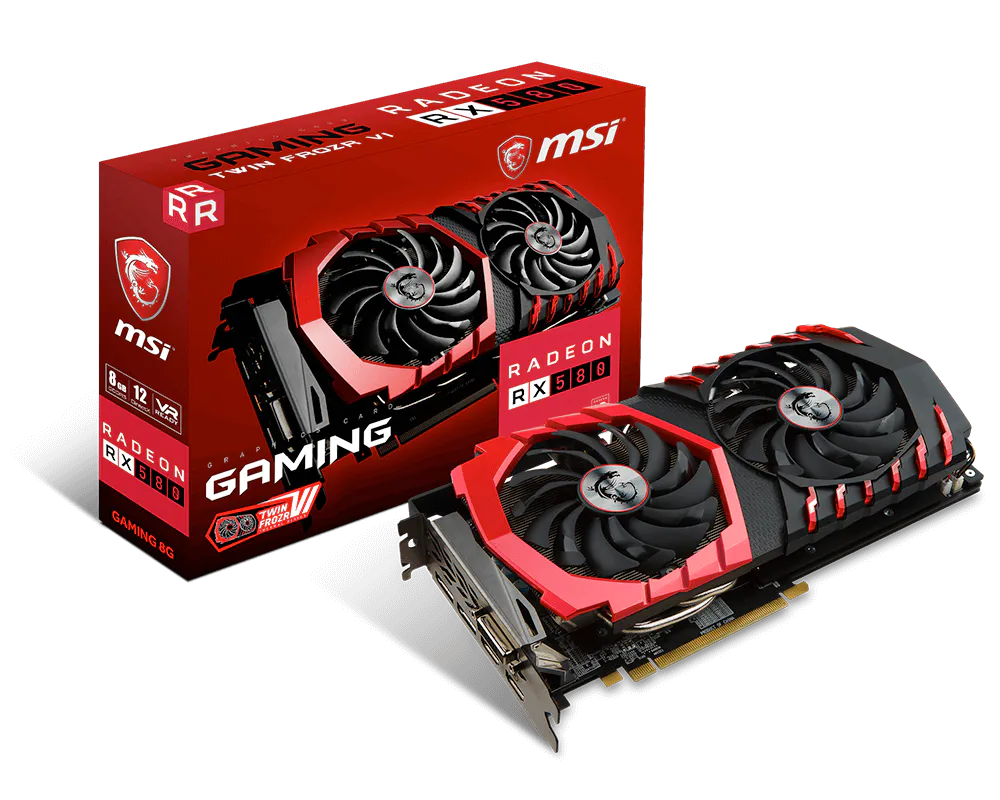
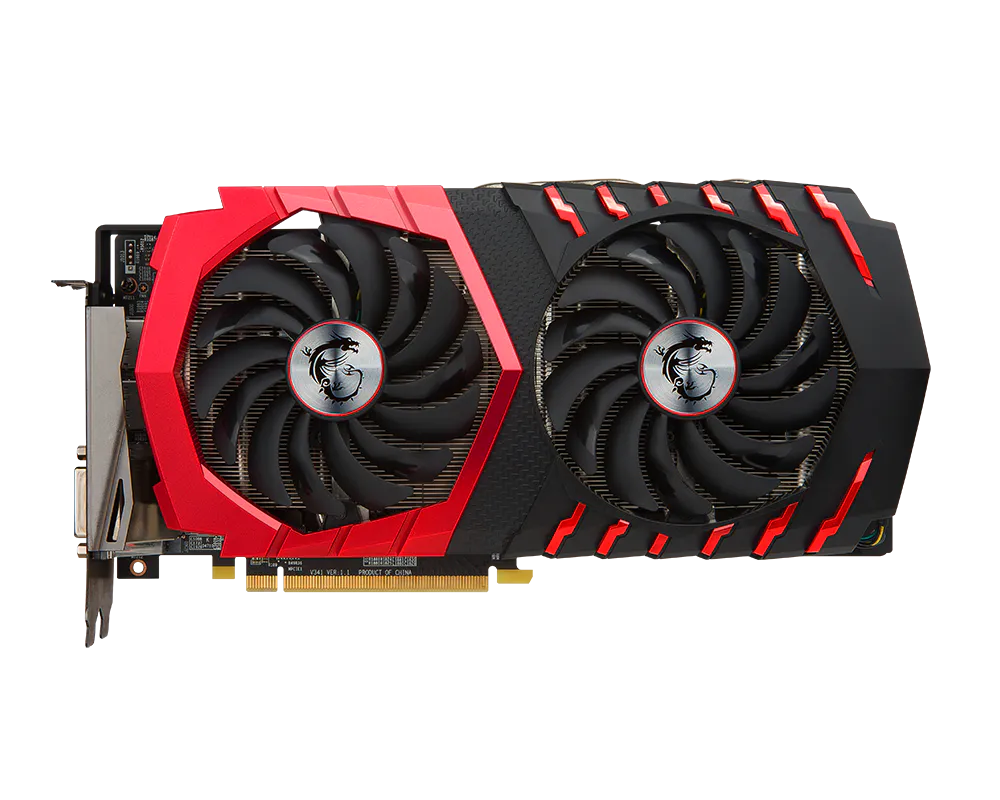
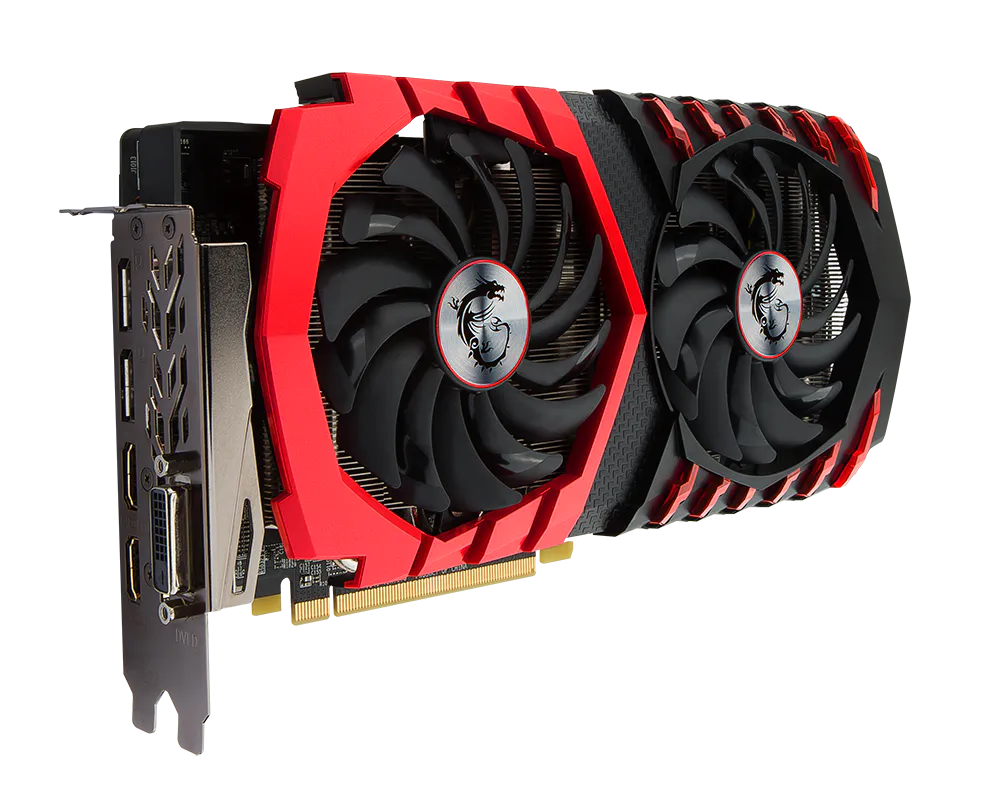
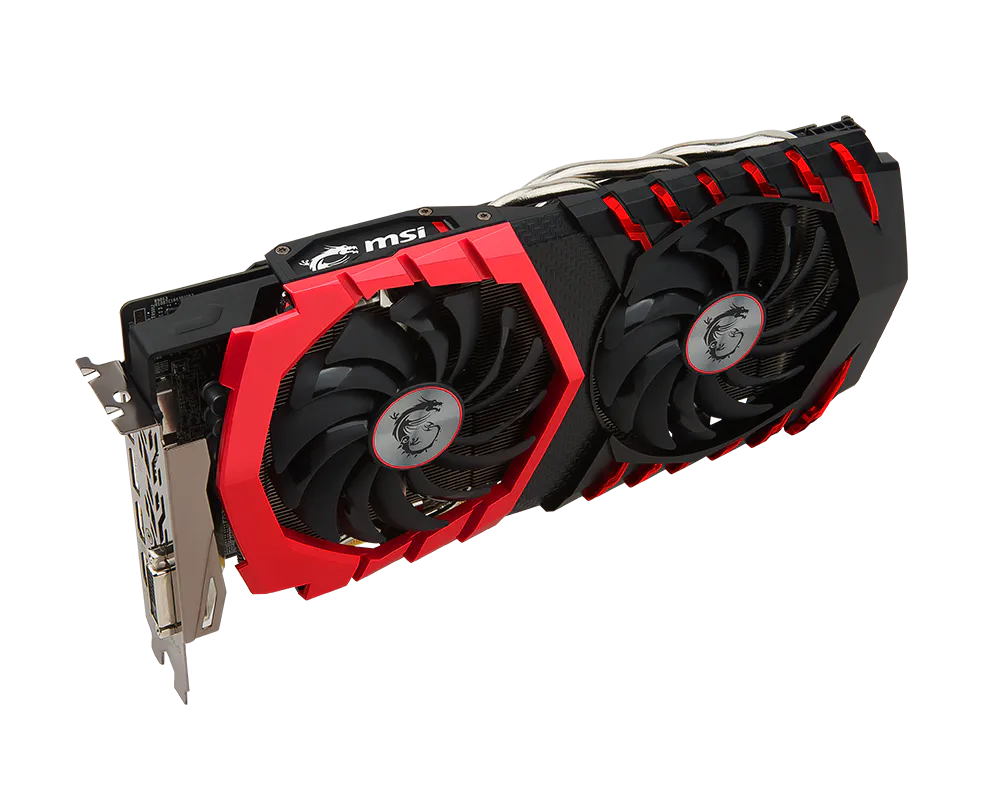
TWIN FROZR VI
- Smooth Heat Pipes: Squared shape at bottom maximize heat transfer from the copper base plate.
- Zero Frozr: Stopping the fan in low-load situations, keeping a noise-free environment.
- Airflow Control Technology: Deflectors thrusts air onto heat pipes for
TORX FAN 2.0: Supremely silent
- Dispersion fan blade: Steeper curved blade accelerating the airflow.
- Traditional fan blade: Provides steady airflow to massive heat sink below.
Gaming App
- Instant Performance Gain: Unlock extra performance or keep your card silent during light use in one click.
- LED control: Full control on your RGB GAMING LEDs to set the mood.